
Game Modes
How do you want to play?
With or without a beacon, solo or tournament — the Klikkr app adapts to your setup.
One wristband for both players — simple and fast.
01
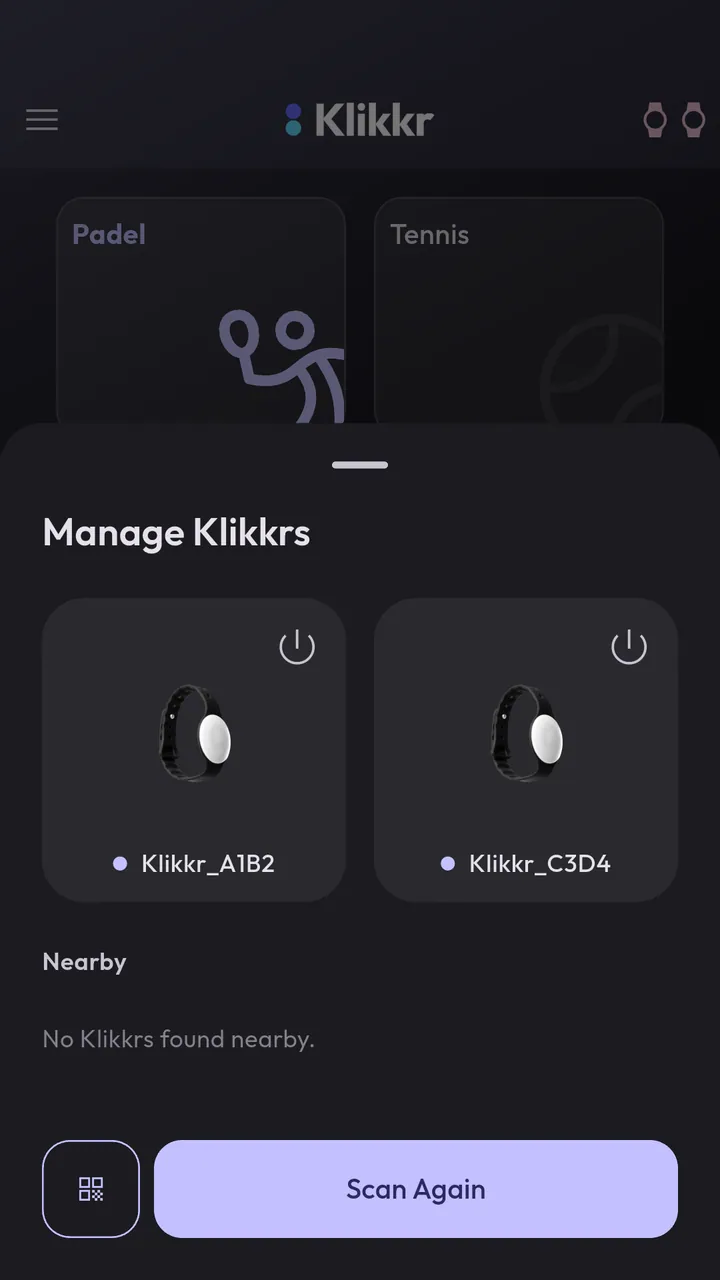
Connect beacon
Turn on your wristband (hold 3 sec) and connect via QR code or Bluetooth. One beacon is enough.
02
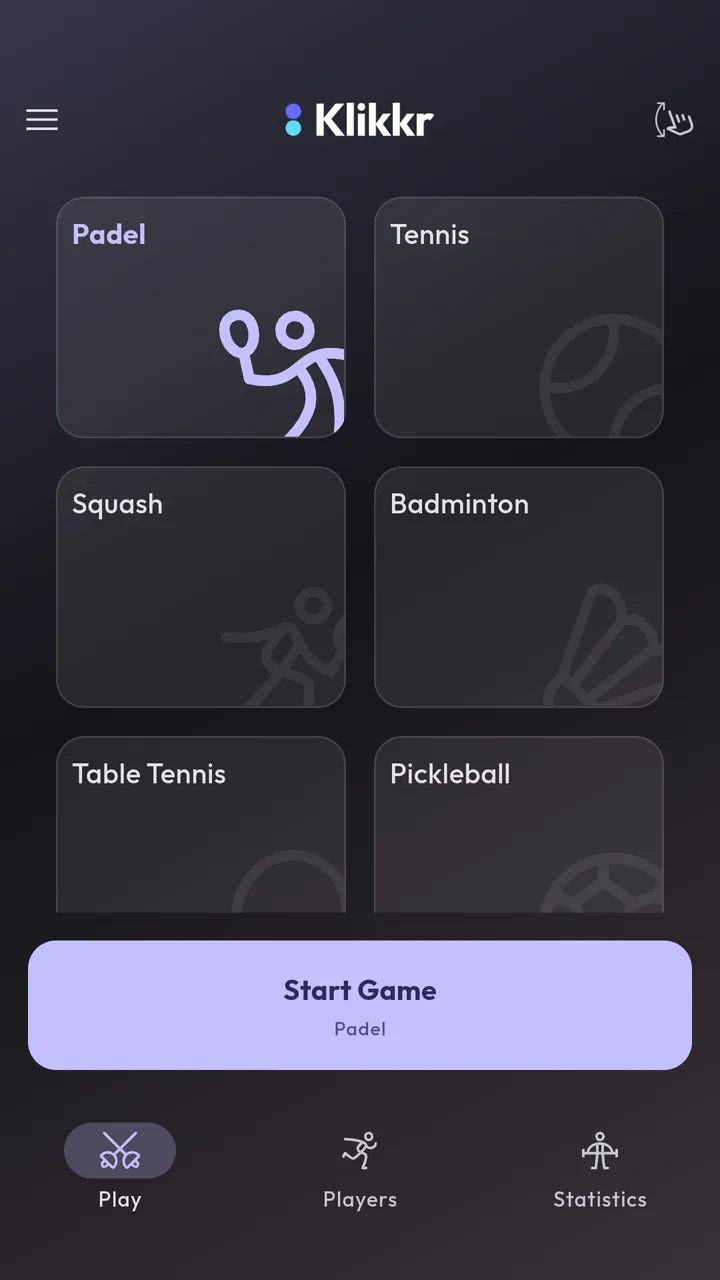
Choose your sport
Select your sport — the app automatically detects 1-beacon mode.
03
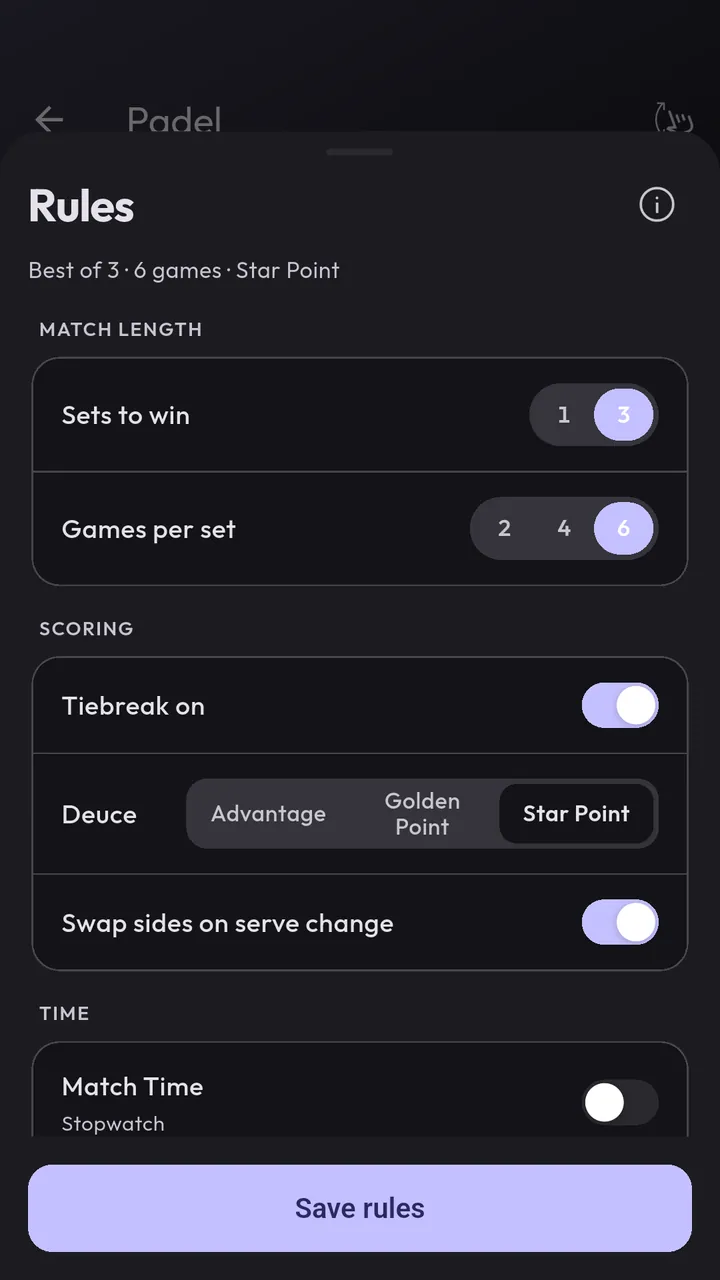
Set the rules
Configure target score, "Win by 2" and other sport-specific settings.
04
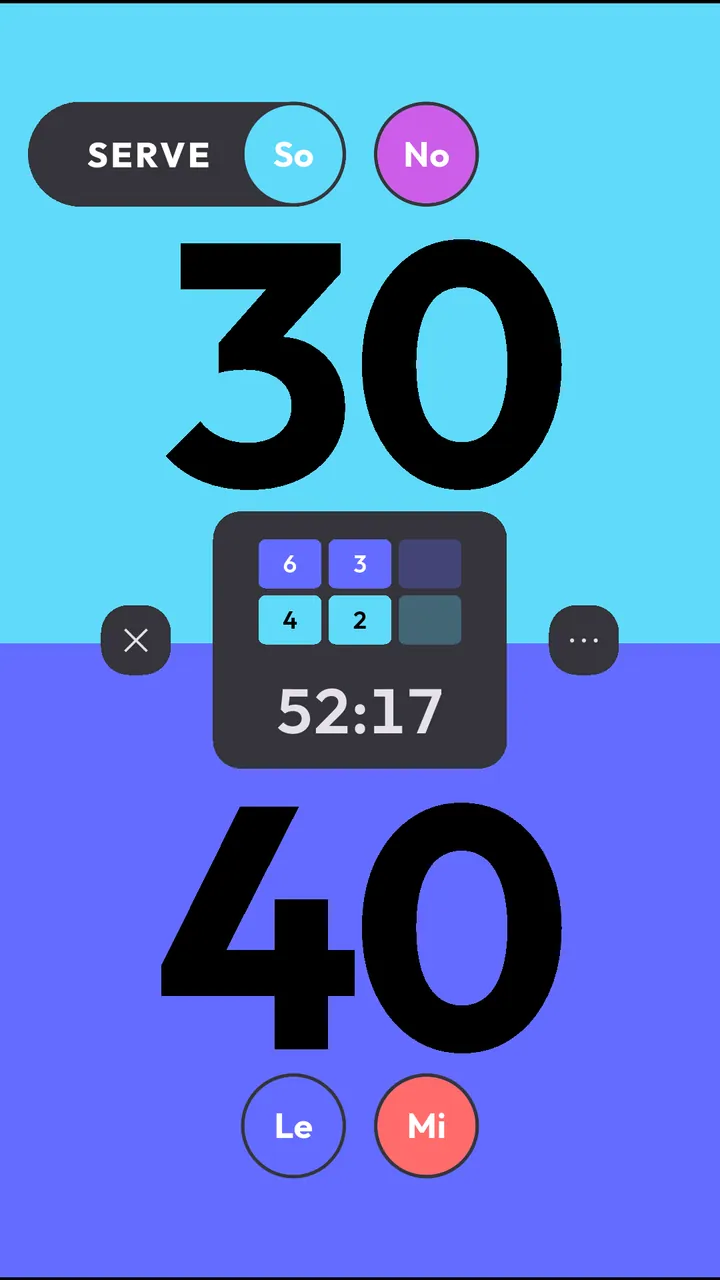
Click & Score
1 click = a point for you. 2 clicks = a point for the other player. 3 clicks takes the last point back, a long press pauses.
Customizable
Your game, your style
Multiple Sound Sets
Choose from different sound sets for points and match ball — or turn sounds off entirely.
Custom Colors
Customize player colors — pick from presets or set your own with the color picker.
Light & Dark Theme
Switch between light and dark mode — depending on lighting conditions and preference.