
How do you want to play?
With a smartwatch, a wristband or neither, solo or tournament — the Klikkr app adapts to your setup.
Apple Watch or Wear OS watch as your Klikkr — no wristband needed.
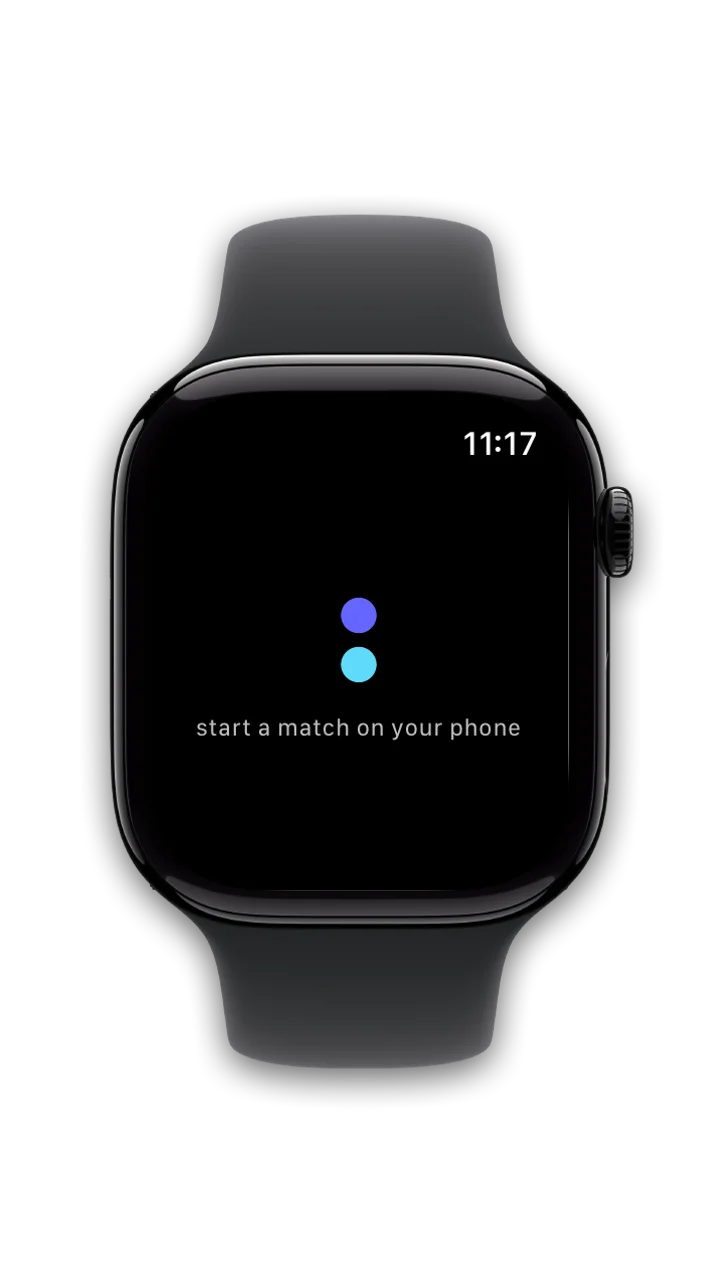
Open the app on your watch
On an Apple Watch, Klikkr comes with the iPhone app; on a Wear OS watch, get it from the watch's Play Store. Open it: it connects to your phone on its own and waits for a match.
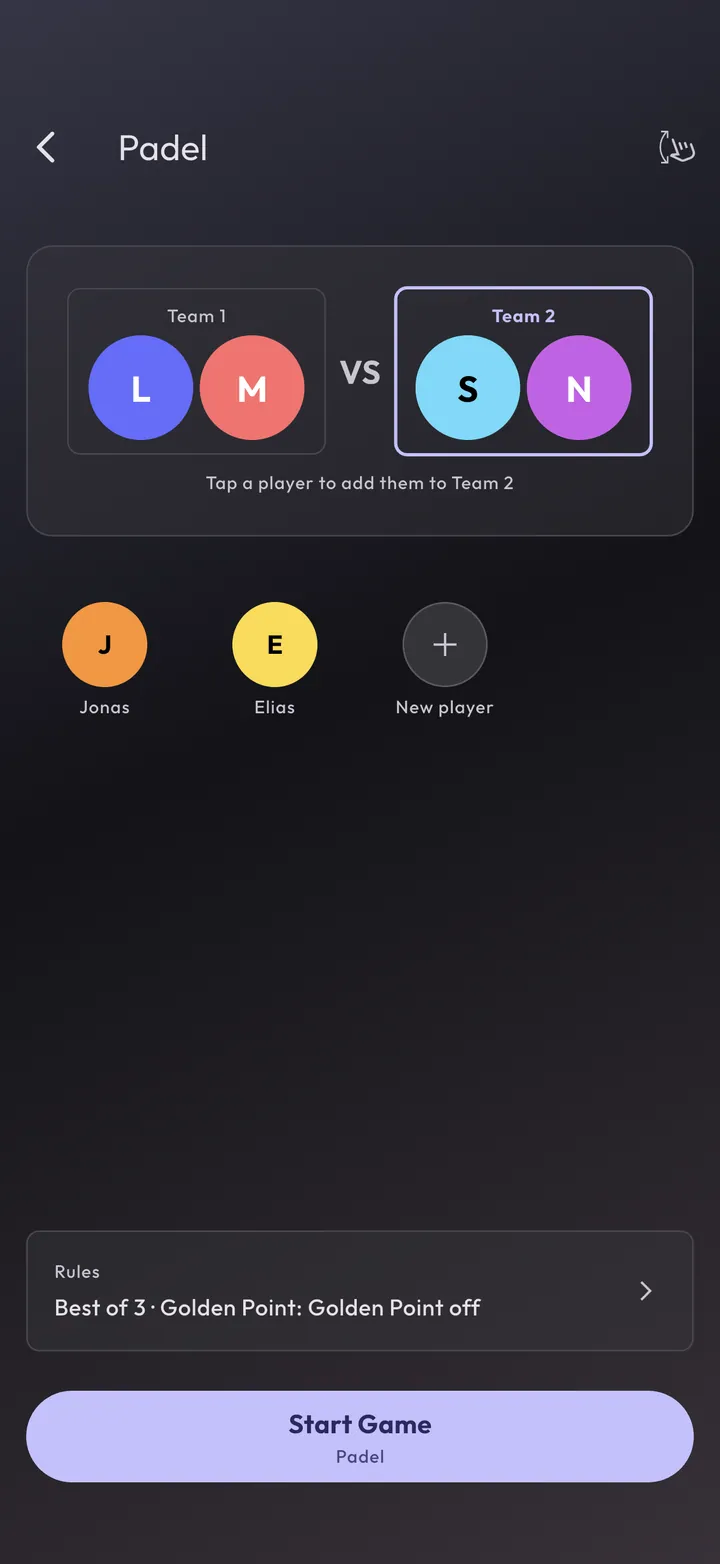
Start the match on your phone
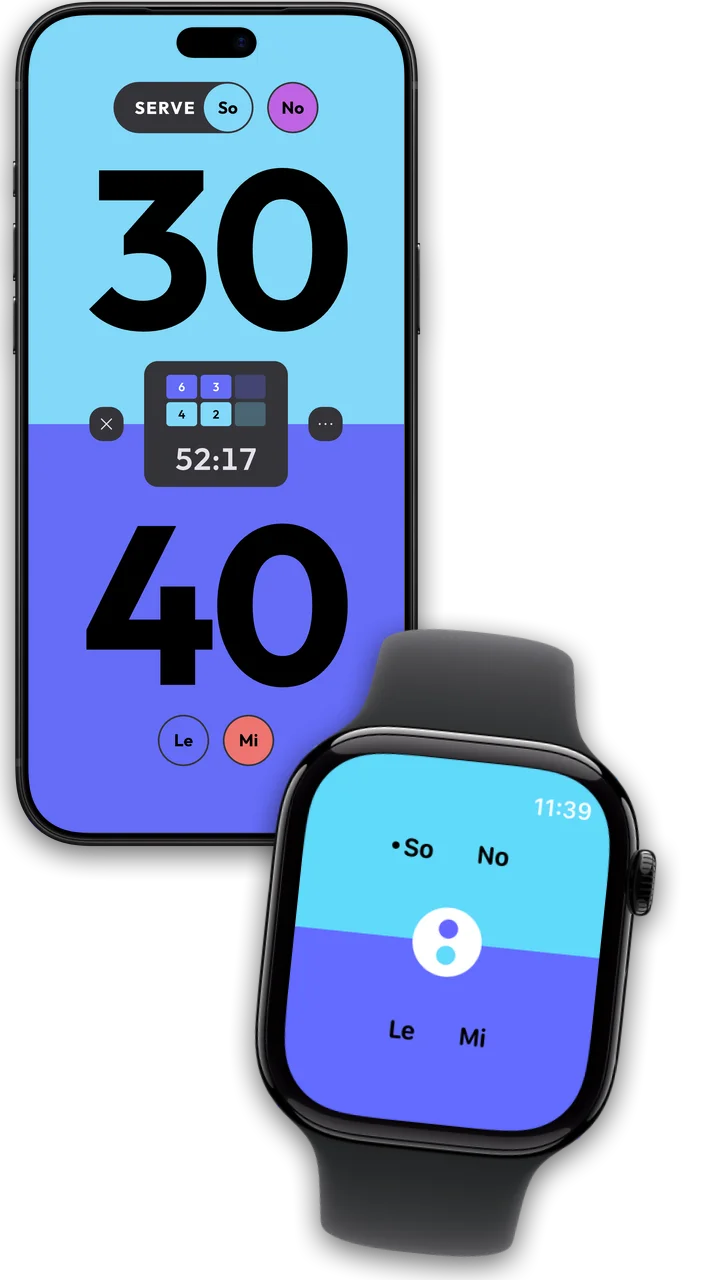
Pick the sport, assign the players, tap “Start Game”. As soon as the match runs, the watch switches to the players in their colours. One watch is enough for the whole match, doubles included.
Score from your wrist
Your initials are at the top, in doubles with your partner's, and the dot in front marks who serves. Tap the top for your side's point, the bottom for the opponents'. The score is on your phone. A double tap takes back the last point, a long press pauses and resumes.
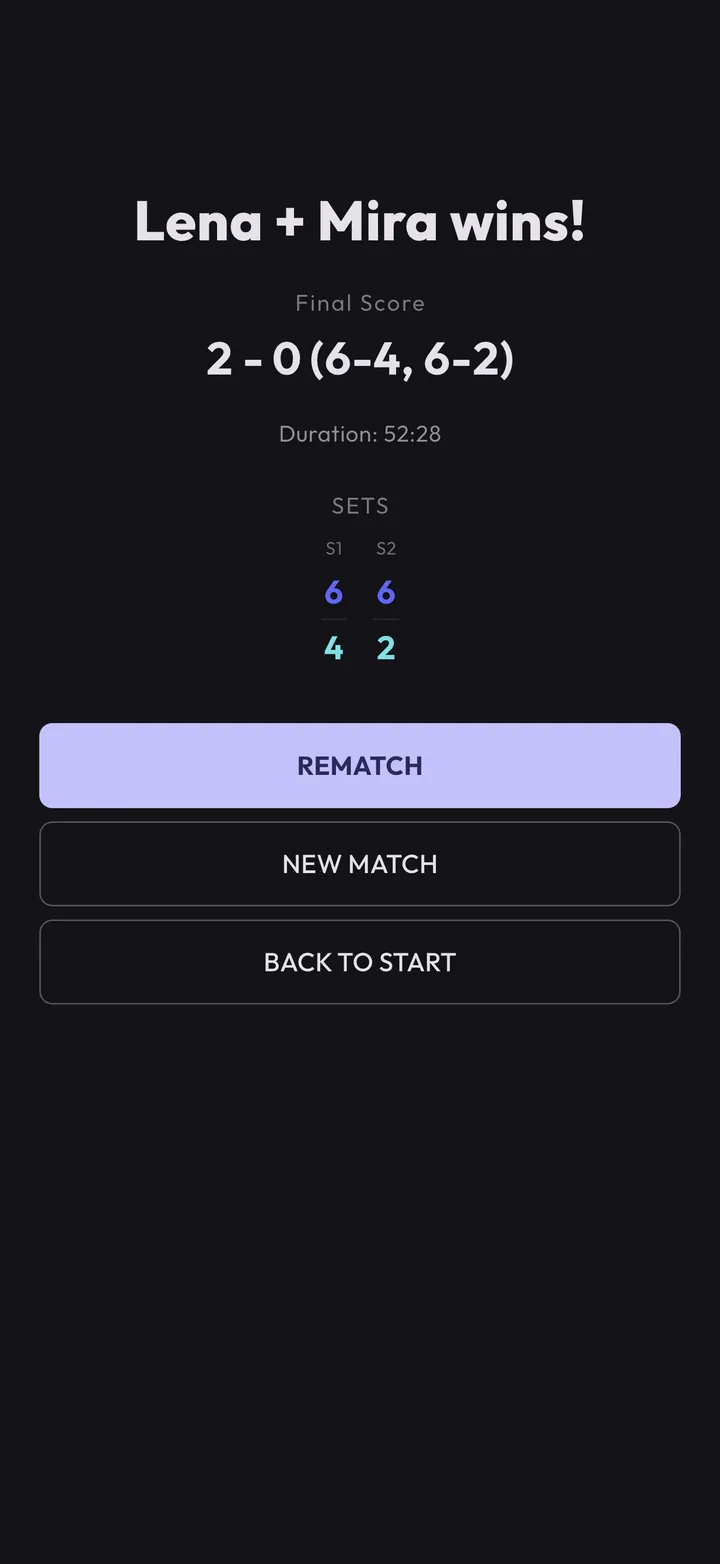
Result
After match point the result is on your phone and in your statistics. Three matches with the watch are free, then unlock it once for CHF 10 in the Klikkr app on your phone. The purchase holds for your Apple ID or Google account, so for all your watches.
Your game, your style
Multiple Sound Sets
Choose from different sound sets for points and match ball — or turn sounds off entirely.
Custom Colors
Customize player colors — pick from presets or set your own with the color picker.
Light & Dark Theme
Switch between light and dark mode — depending on lighting conditions and preference.